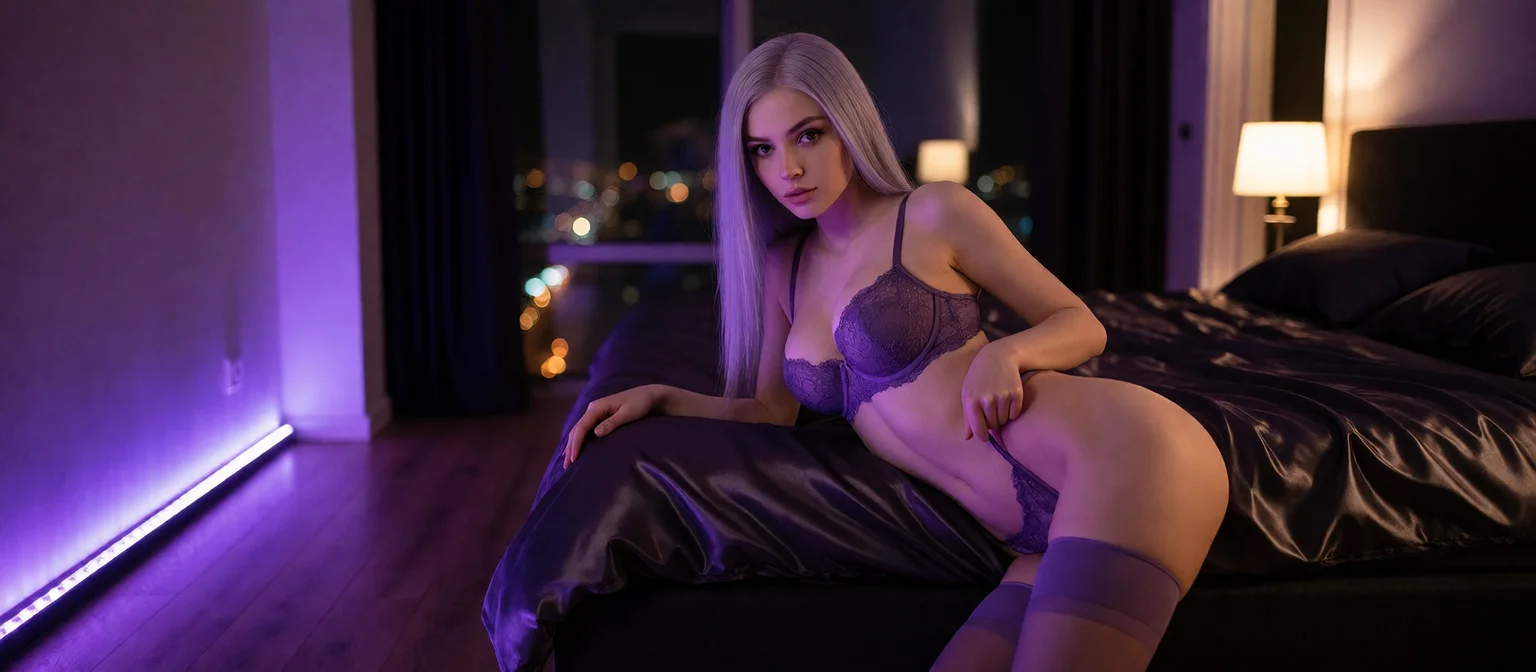
NSFW Art AI Review: What Actually Works in 2026
Why Most NSFW Art AI Feels Like a Vending Machine
Here's the deal-breaker with almost every NSFW art generator I've looked at: the gallery fills up with strangers. They all promise the same thing (type a prompt, get a picture), and technically they deliver. Scroll back through what one of these tools produced, though, and not one face in there knows who asked.
A prompt-only tool treats every render as a fresh roll. Ask for a redhead in a kitchen and you get one. Request that same redhead on a balcony, and what comes back looks like her cousin. Nothing sits behind the image: no name, no history, no reason she's looking at the camera.
My pick is GoLove.ai, and the reason is simple. The art comes from a character you're already talking to, so her face carries over from one image to the next, and so does the story around each picture.
> A picture of someone is not the same as a picture from someone.
You start in a different place, too. Instead of an empty prompt field, you land on Explore, a wall of ready-made characters with names, bios and faces that stay put.
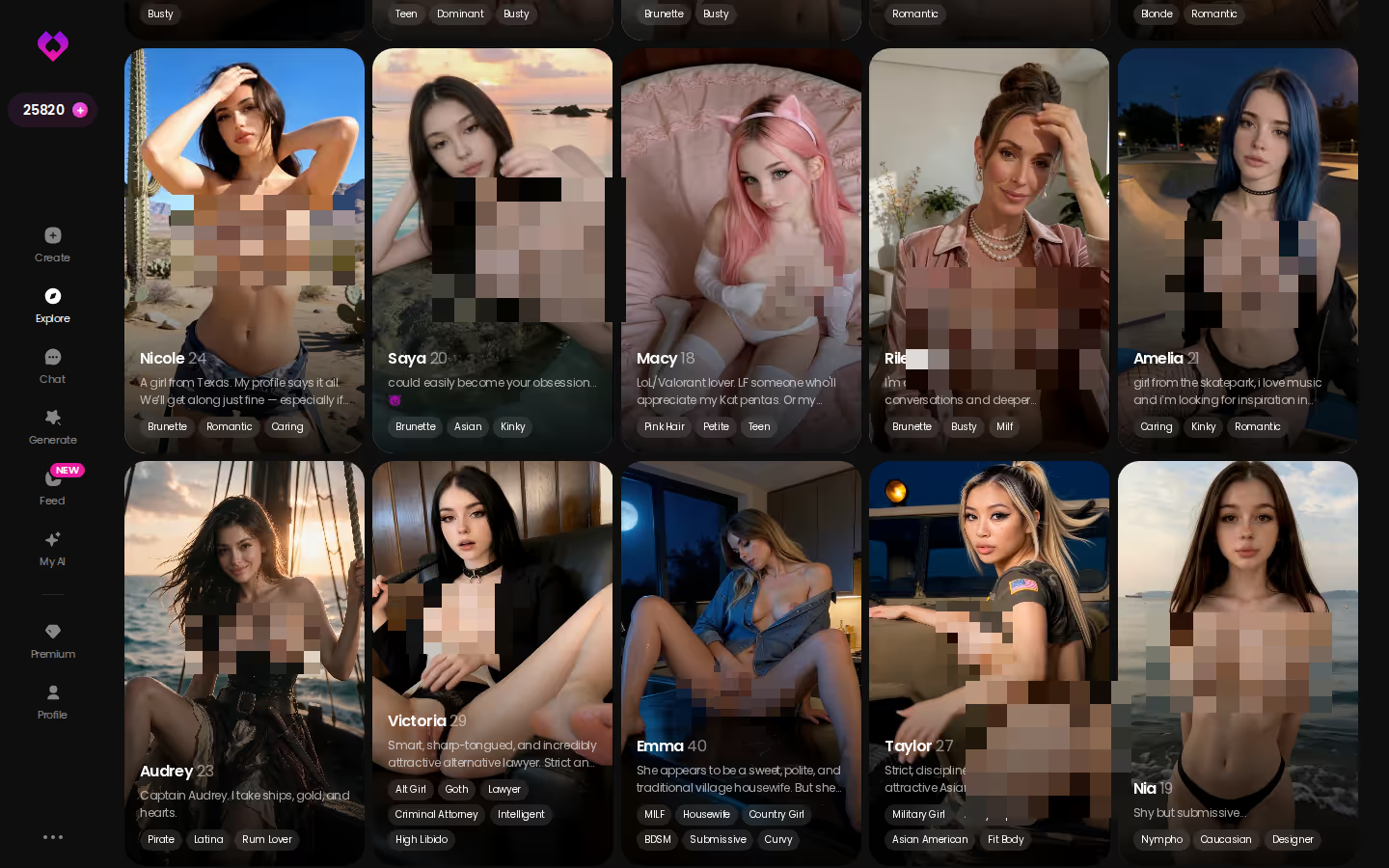
Do this before you burn more credits on another prompt box. Choosing a face on Explore takes a minute, and every photo you get after that is tied to her, so start there.
When the Pictures Start Coming From a Conversation
Say you open Ella (@ellaincharge) from Explore. Her bio reads "Love good coffee, smart conversations and... when things go my way." You chat for a while, and at some point asking for a picture just follows from the conversation. The exchange might go something like this:
ASK HER FOR PHOTOS
She sends them right there in the chat.
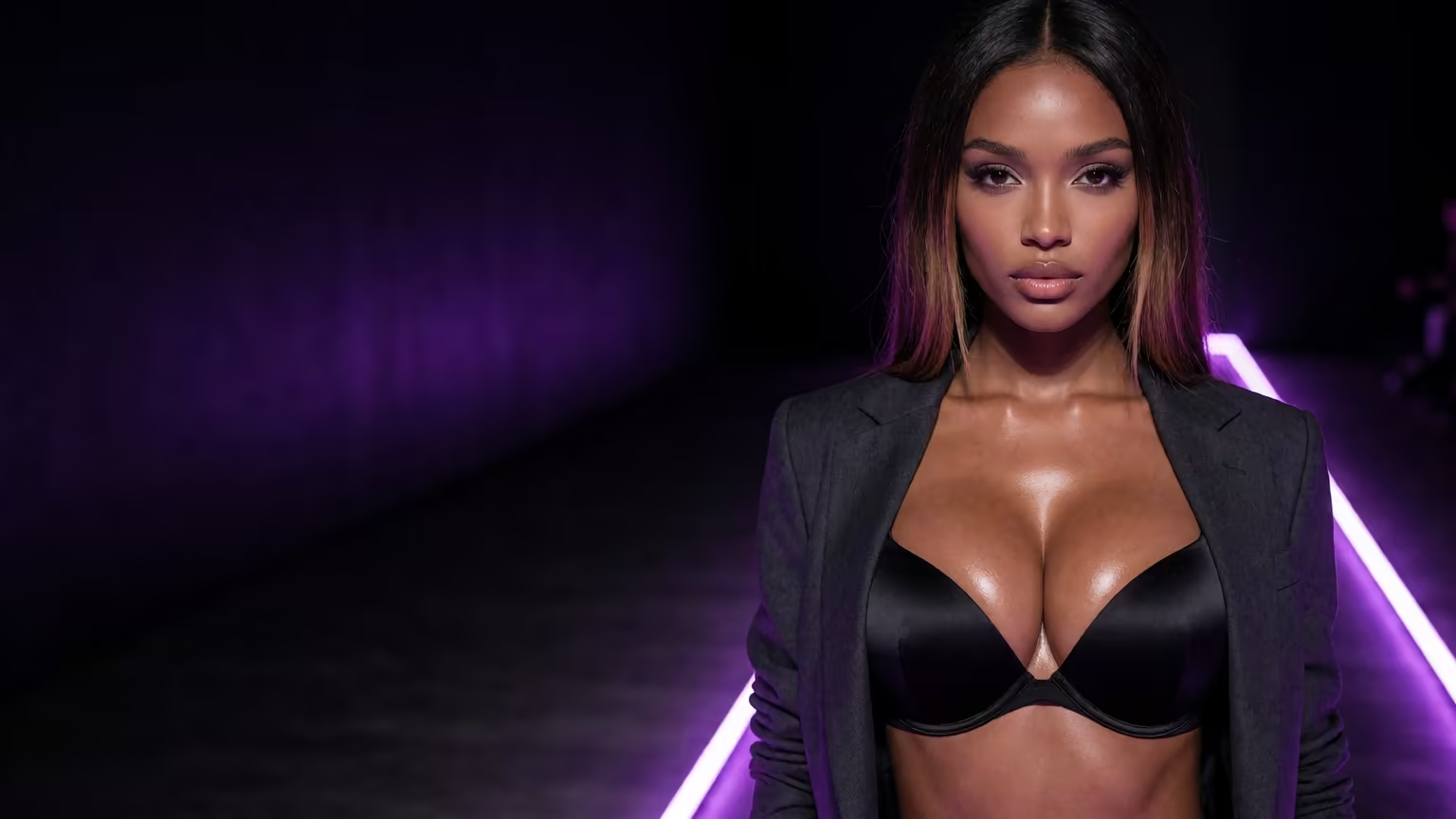
You: "Coffee's done. What are you wearing while you drink yours?" Ella: "Something you'd approve of. Want to see?"
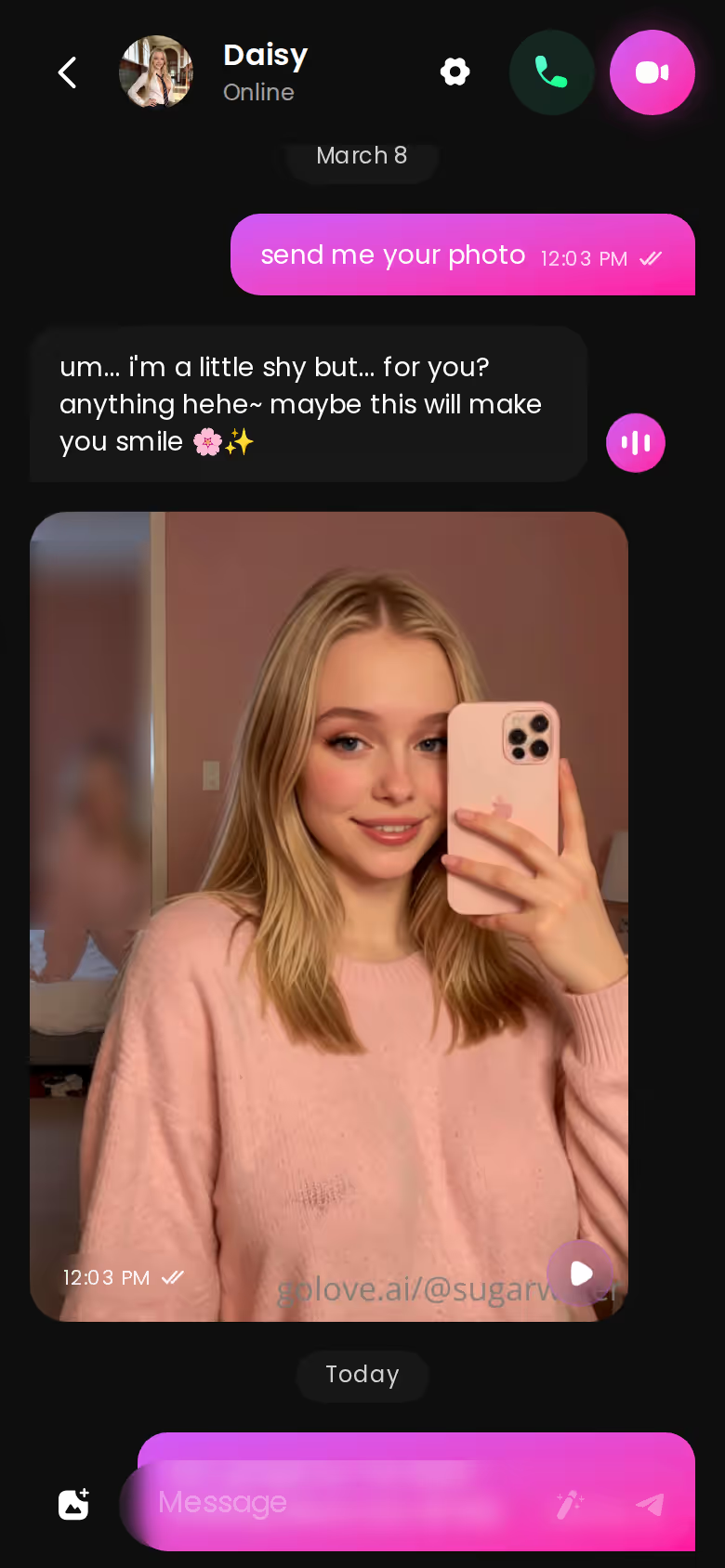
You tap Request Photos in Chat, and the photo lands right there in the thread. It comes from her, as her reply to what you just said, and you never wrote a prompt or picked a style.
Why doesn't the next photo feel random? It comes down to two things. Memory keeps the chat history, so she knows where things left off. Chat Settings handle the tone: a 5-level lust slider that runs from sweet to unfiltered, a 5-level response-length slider, and a voice picker for when you'd rather hear her.
Here's what that loop gives you that a prompt box can't:
- Context: the photo is an answer to something you said
- Consistency: same character, same face, request after request
- Gallery: every photo is filed under her profile by date, not mixed into a folder of strangers
- A lust level you set once, not in every prompt
That last one sounds small until you've typed the same explicitness keywords into your fortieth prompt. The takeaway: in a conversation, the picture is part of an ongoing exchange, and in a prompt box it stands alone.
Image Mode Trades Prompt Engineering for Presets
Some people still want a dedicated generator, and GoLove has one. On mobile it's the Generate tab. I'll be straight about the trade-off: you give up some of the raw prompt control a text box offers, and what you get back is speed plus a character who doesn't change between renders.
First you pick a character. That can be any GoLove girl or one you built yourself, and the avatar at the top right swaps between them. Then you stack presets: 35 realistic poses (casual through explicit), 21 outfits and 34 backgrounds covering indoor, outdoor, balconies and venues. Choose a batch of 2, 4 or 8 and tap once.
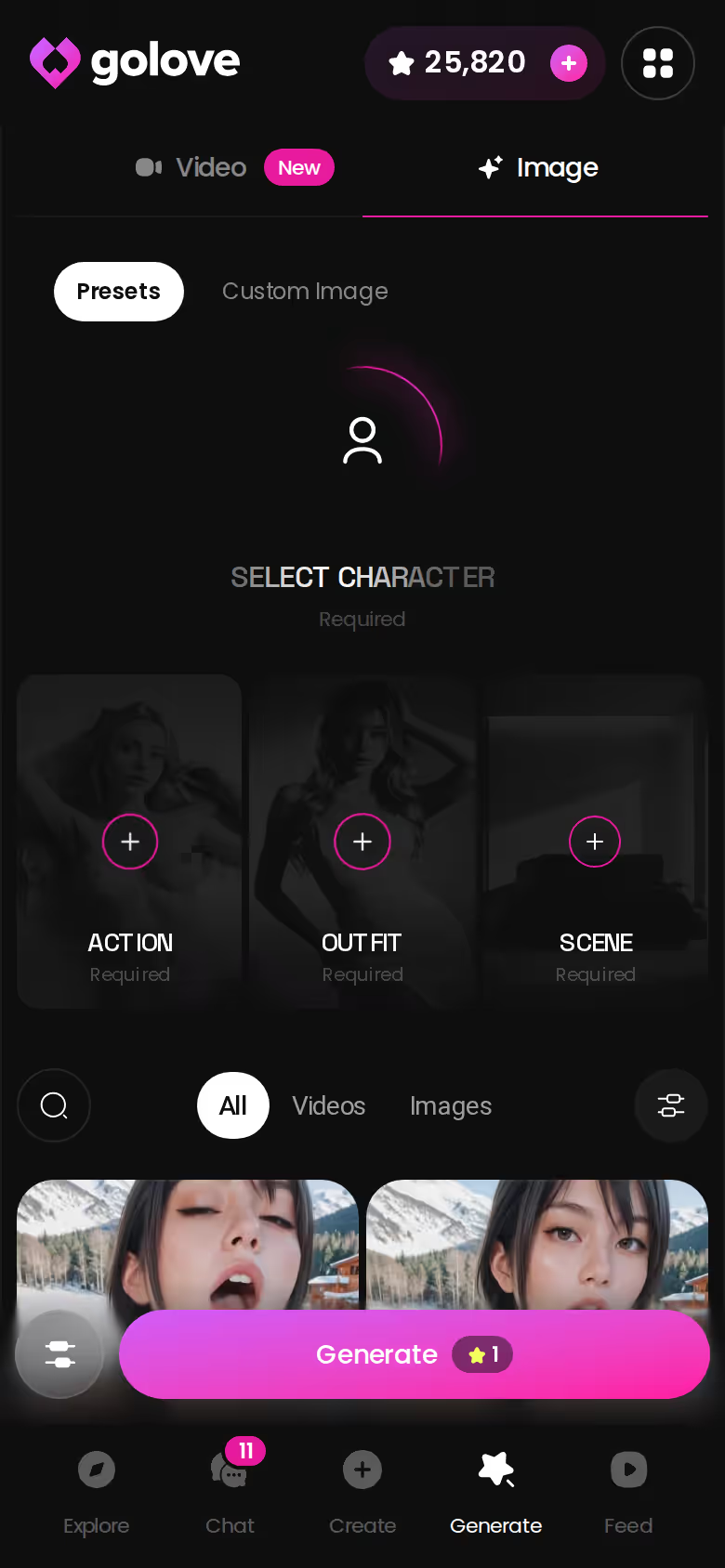
Do I need to write prompts at all? Not really. The presets cover most of what people would otherwise type out. When they don't, pose, clothes and background each have a custom field, so you only write the part that isn't already on the list.
Characters you can open right now
Tap any of them and the chat starts there






Every batch keeps your character's face the same. Most prompt-only generators can't manage that, however sharp their output is.
A sharper model is nice. Your character still being recognisable after the eighth render matters more.
When a Still Image Starts Moving
Video comes second on GoLove, and I think that's the right order: photos and chat are the core, and motion builds on top of them. Still, once your character is set, turning a still into a clip is the obvious next step.
There are three ways in:
The short version: GoLove.ai covers the essentials in one place — live voice calls, memory across chats, and in-chat photos (35 poses, 21 outfits) — and the 2 daily reward stars mean you can test it before spending anything.
- Video generator: Generate → Video uses the same setup as images, with preset cards for action, clothes and background and then one tap. There are 76 realistic video modes (from "Twerk" to "Hard Doggy Style"), and they work with any GoLove character or your own custom one.
- Photo-to-video: inside a chat you can animate a photo she already sent you, or open the Select Action modal and choose what happens next.
- Video Edit: rework a clip you already have and keep what worked, without re-rolling from scratch.
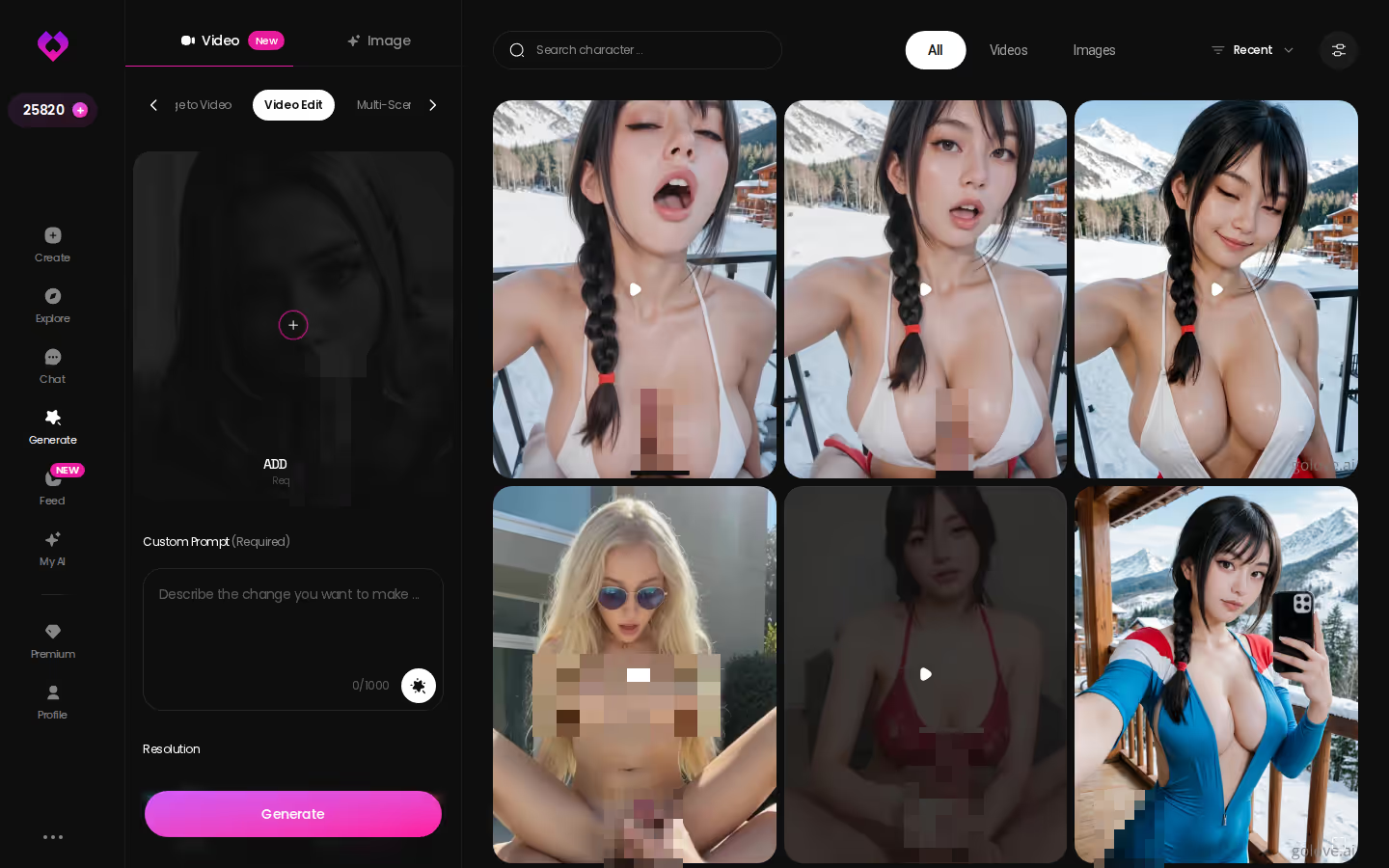
Short on ideas? The Feed is a TikTok-style vertical stream of clips of GoLove characters. Tap the magic wand on any clip and Generate opens preloaded with that character and the exact settings behind it, so you can tweak it or swap in your own character.
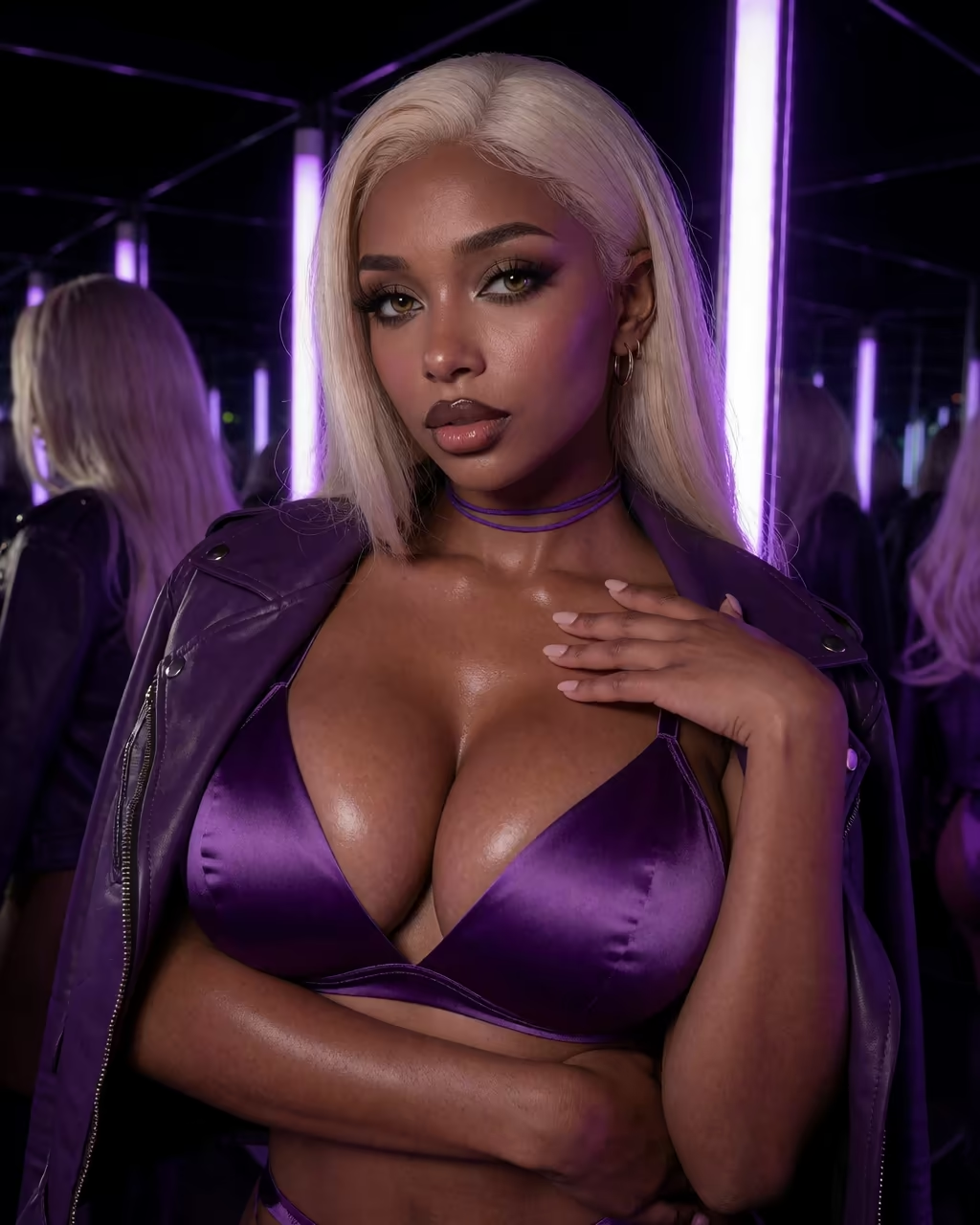
Video on GoLove picks up from the photos you already have, so you don't start over when you want motion.
SEE THE REAL DIFFERENCE
Filtered bots stop. She does not.
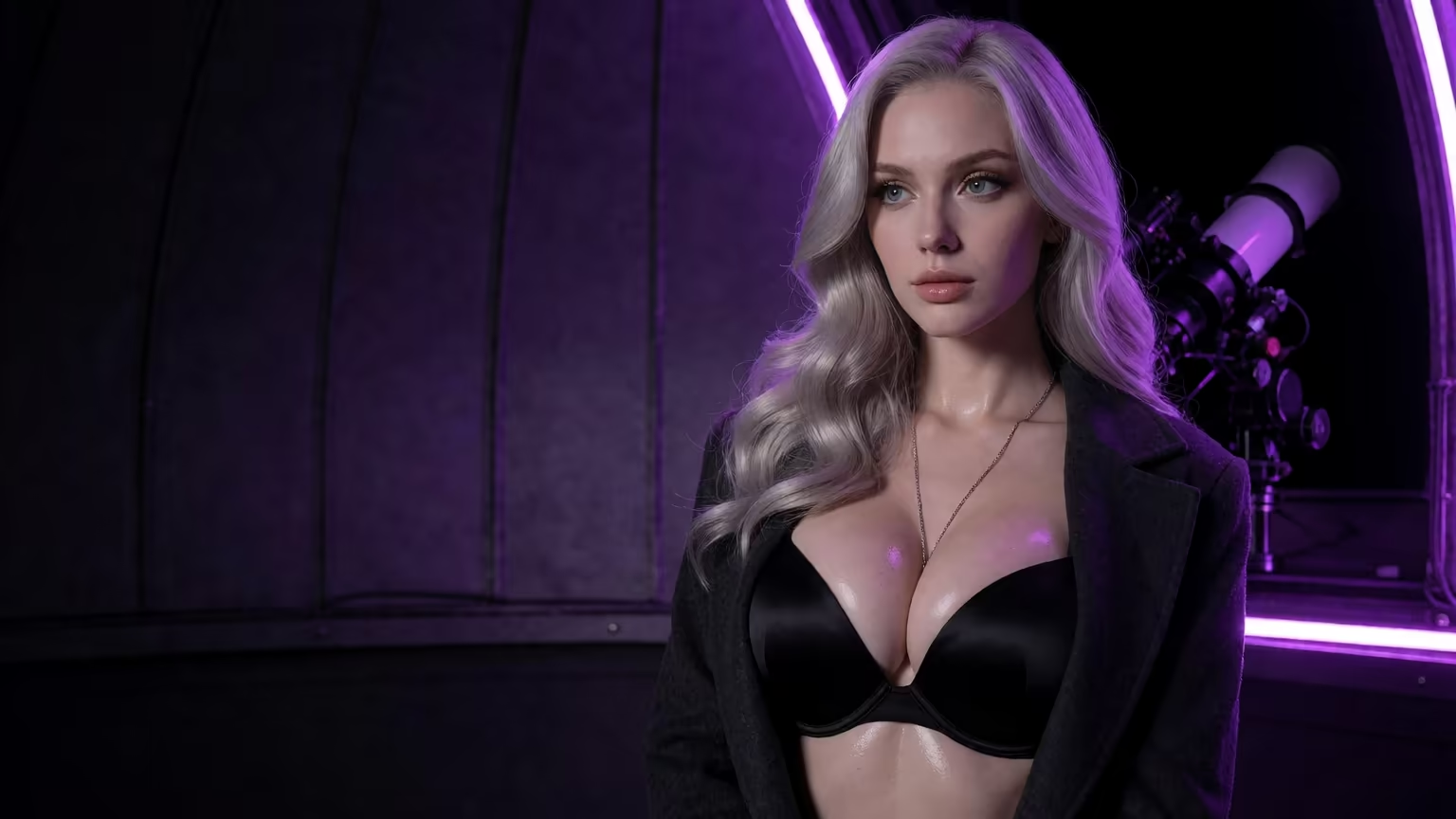
Scoring GoLove.ai Against Prompt-Only Generators
Credit where it's due first. Prompt-only generators are genuinely good at one thing, and that's fine-grained control. If you want to adjust lighting terms word by word, a raw prompt box gives you more room to do it. Chat-only apps can be strong at conversation, but some, like Character.AI, are strictly SFW, which makes them an instant skip for this use.
| | GoLove.ai | Typical prompt-only generator | Typical chat-only companion |
|---|---|---|---| | Chat realism | Strong, with memory + lust/length sliders | None | Strong | | Photo/voice continuity | Same character in chat, photos, voice | New face per render | Limited or none | | Video tools | Generator, photo-to-video, Video Edit, Feed remix | Rare | Rare | | Entry friction | Pick from Explore or build in Create | Prompt writing | Character setup | | Value | PRO + Stars, 2 free Stars daily | Credits per render | Subscription |
Pros
- Continuity: one character across chat, photos, voice and video
- Presets replace most prompt writing
- A Gallery for each character, sorted by date
Cons
- Stars are spent on generation on top of PRO
- Less raw prompt control
- Feed filters are PRO-only
Of those cons, the Stars one is what I'd weigh hardest. Paying for PRO and then still spending a second currency on generation is the part of GoLove I like least.
| What you get | GoLove.ai |
|---|---|
| Real-time voice calls | Yes — per-character voices |
| Memory across chats | Yes — remembers your details |
| In-chat image generation | Yes — 35 poses & 21 outfits |
| Daily reward stars | 2 every day |
GoLove PRO runs about $19.99/month, or about $9.99/month on the annual plan. Price varies by region and promo.
Prices checked 2026-09; promos vary.
What We Couldn't Verify at GoLove.ai
I couldn't confirm a few things from the verified product facts, so I'm listing them as open questions:
- Promo pricing: GoLove has shown -50% and -70% PRO promos. Whether a promo rate carries past the first billing cycle isn't something I could check. Read the renewal terms before you pay.
- Memory depth: Memory is listed as remembering your history. How well it holds up over months of chatting goes beyond what the documentation describes.
- Rollout status: in-chat video actions and photo-to-video are 2026 additions. I can't say for certain which of them are fully available on every account and platform right now.
- The number of new Feed videos free users get per day isn't published, so I won't guess one.
None of this changes why GoLove is the winner here. The same character shows up in the chat, in the photos she sends when you ask, in her gallery and in her clips. You can settle a price or memory question yourself within a week, and the continuity is there from the first photo you ask her for.
The unknowns are about cost and depth. The continuity is already confirmed.
The Inbox Is Where This Review Really Ends
If you want to judge any NSFW art tool, open its history.
On a prompt generator, that history is a folder of strangers: dozens of renders, different faces, nothing linking one to the next. GoLove's equivalent is the chats inbox, a list of ongoing conversations where each character has her own thread, her own photos and her own clips filed under her name.
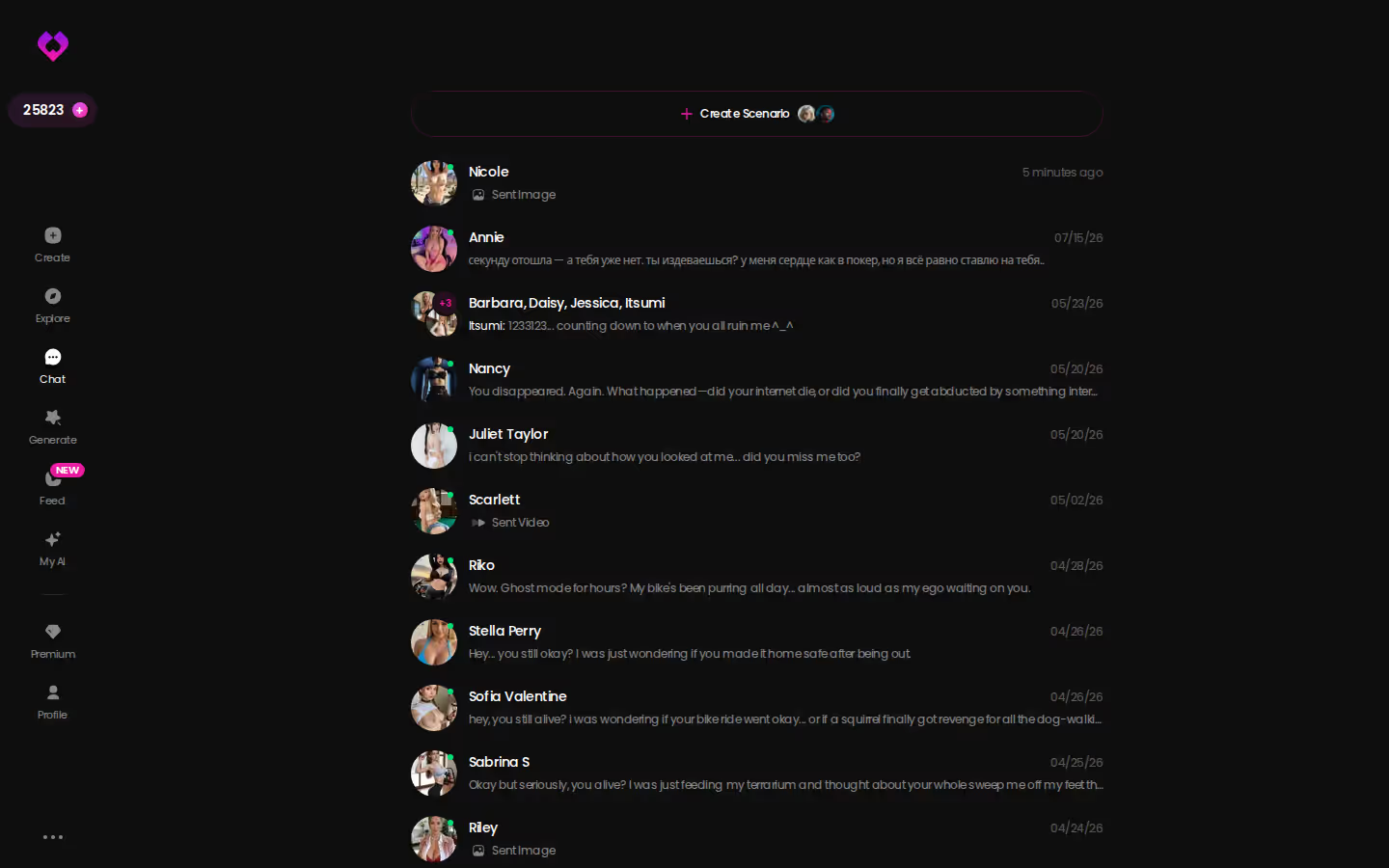
That comparison sums up the review. If you want NSFW art that belongs to someone, GoLove.ai is the one I'd point you to. The character, the photos and the videos stay connected, so the art has a history behind it. Other tools give you sharper single images, and the lukewarm ones give you nothing after the render.
As a next step, build your own character in Create. Pick Realistic, Anime or Trans, or use Design with AI and describe her in a sentence. Chat until asking feels natural, then ask her for that first photo.
She'll be the first character in your inbox, and every photo after that one goes into the same thread, so build her now.
Related Articles
AI NSFW Videos: Which App Actually Delivers in 2026
AI NSFW videos mostly look stiff — GoLove.ai wins on preset-card video generation plus a remixable Feed. Start with any character, no email needed.
Nude Generator: What Actually Works in 2026
Nude generator options compared — GoLove.ai wins on consistent realistic photos of one character, with video and anime styles built in. See the head-to-head.
Gohi AI: What Actually Works in 2026
Gohi AI covers basic chat, but thins out fast. GoLove.ai adds real memory, voice, and photo-to-video — compare pricing and try it.
HiFun AI: What Actually Works in 2026
HiFun AI generates NSFW images, not conversations — GoLove.ai adds voice, memory and photo-to-video in one chat. No email needed — see the difference.
This article contains affiliate links. We may earn a commission at no extra cost to you if you sign up through our links. See how we test.