Image to Video Porn: Turn AI Photos Into 1080p Clips
Short Answer: GoLove.ai Animates the Photo She Already Sent You
Most image-to-video porn tools animate whatever random still you hand them and hope the face survives the motion. That's the deal-breaker. A clip where her jawline melts halfway through misses the whole point. The better approach starts from a character who already exists, so the clip actually looks like her.
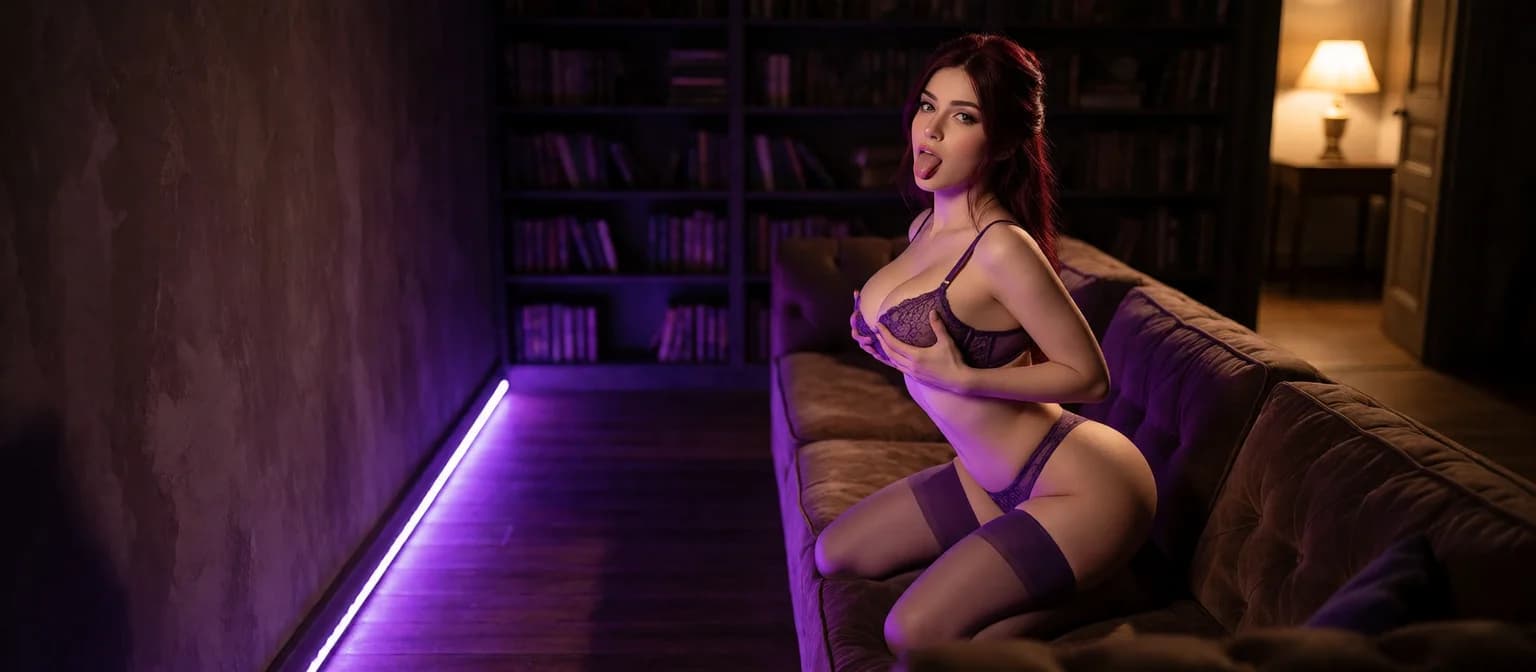
Verdict: GoLove.ai is the pick. Every photo a character sends you in chat has a one-tap Generate Video button under it. About a minute later you get a ~5-second clip of the same character in the same scene, for 10 Stars. Chat photos keep her face and body consistent with her avatar and earlier shots, so the animation starts from a stable source.
You have other routes too: the Image to Video mode in Generate → Video, 147 preset video modes, Feed remix and the Series cast. One ground rule comes before any of them, though: animate AI characters, never real people.
You can look before you commit. The chat works without an account, and the character's first photo is visible, so you see the exact face you'd be animating.
How Image to Video Porn Works Inside GoLove.ai
The deal-breaker with most animation tools is drift: the face in the first frame isn't the face in the last. GoLove avoids most of that by tying every step to one character.
ASK HER FOR PHOTOS
She sends them right there in the chat.
From a chat photo to a 5-second clip
Here's the path, and you're the one tapping:
- Open a chat, hit the media button and choose Send Photo.
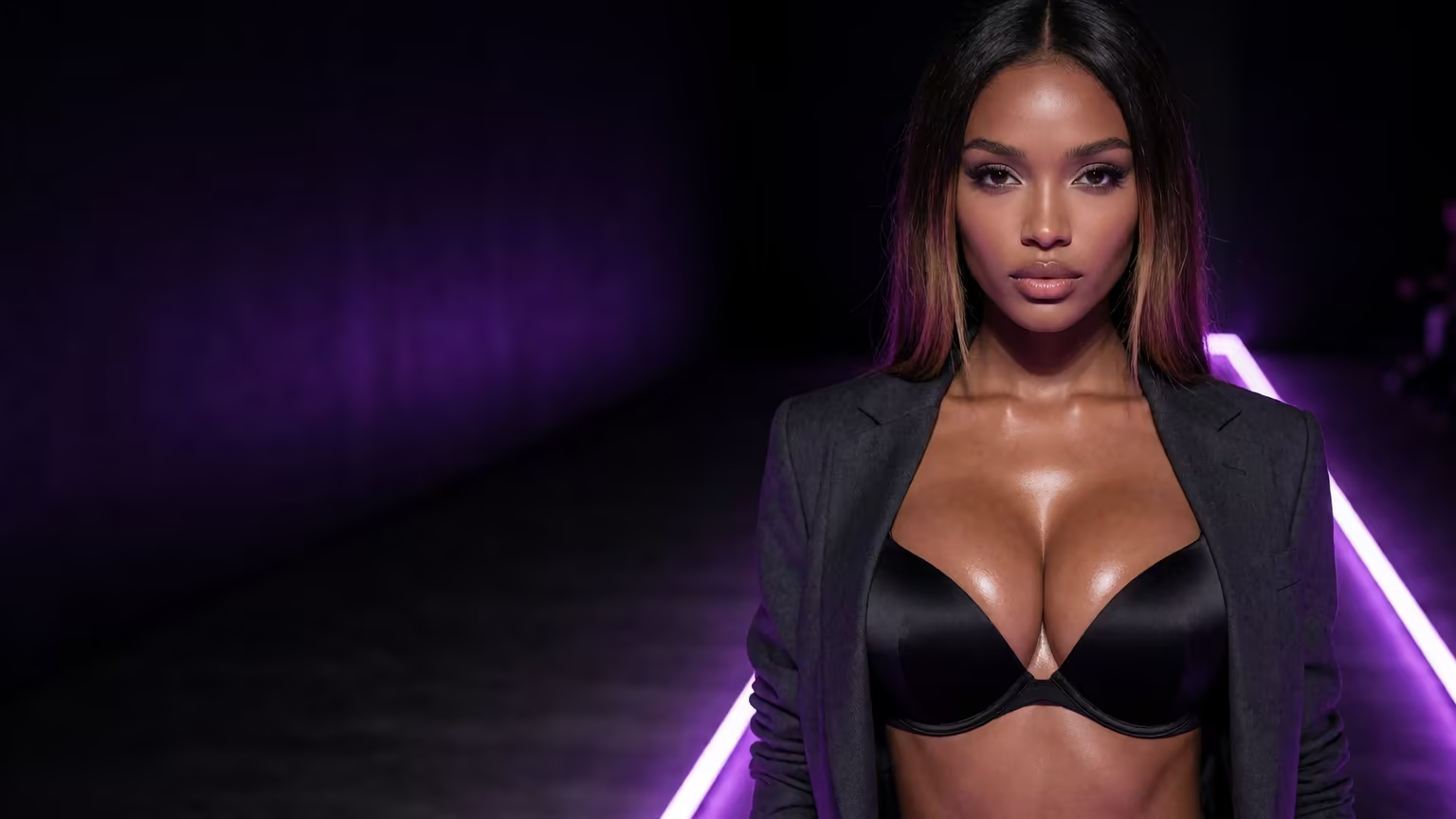
- Describe the scene in your own words. Type something like "on the balcony at night, robe off one shoulder," and that's the photo she sends back, in about 20–45 seconds for 1 Star.
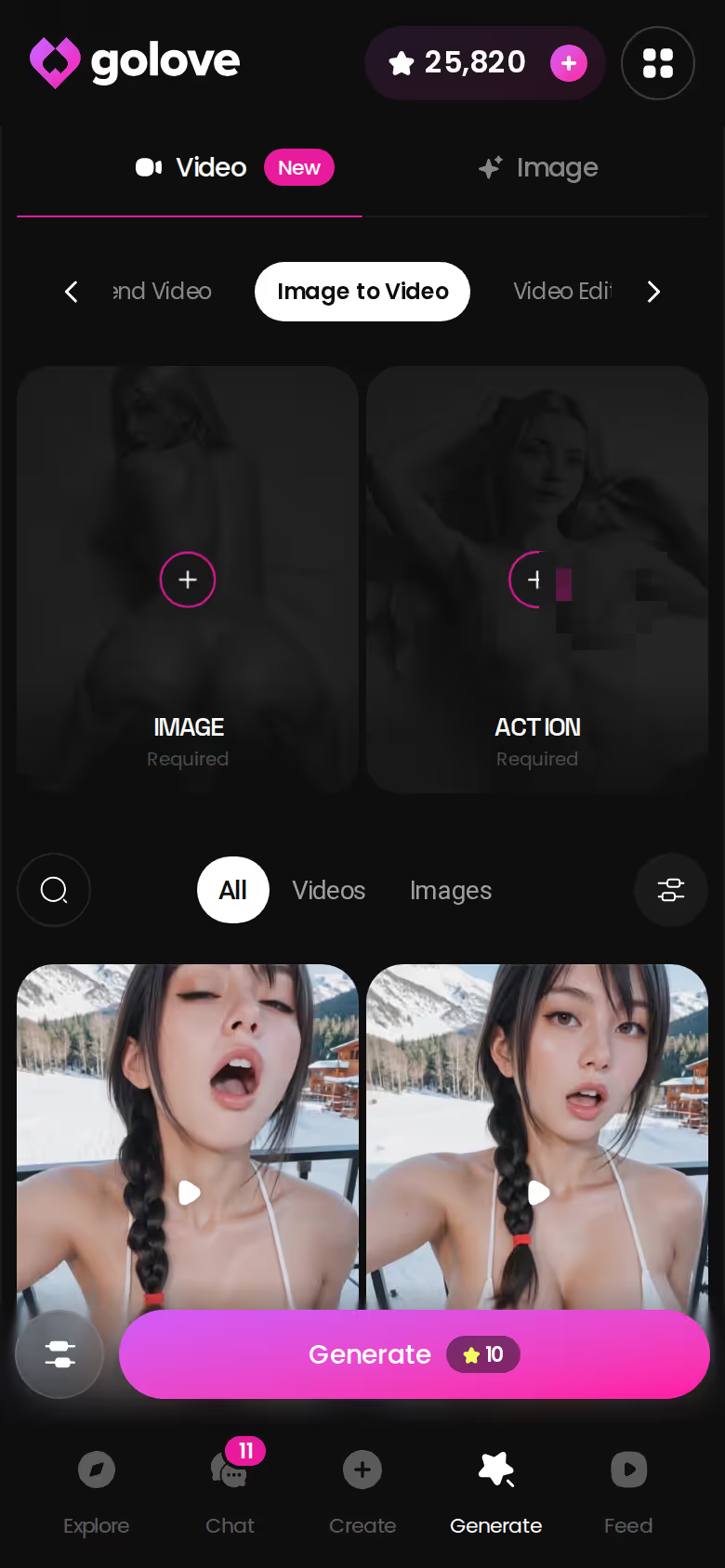
- Tap Generate Video under it. Roughly a minute later a ~5 s clip of that scene plays, for 10 Stars.
 6 episodes
 Watch now
 9 episodes
 Watch now
 8 episodes
 Watch now
 6 episodes
 Watch now
 5 episodes
 Watch now
 5 episodes
 Watch now
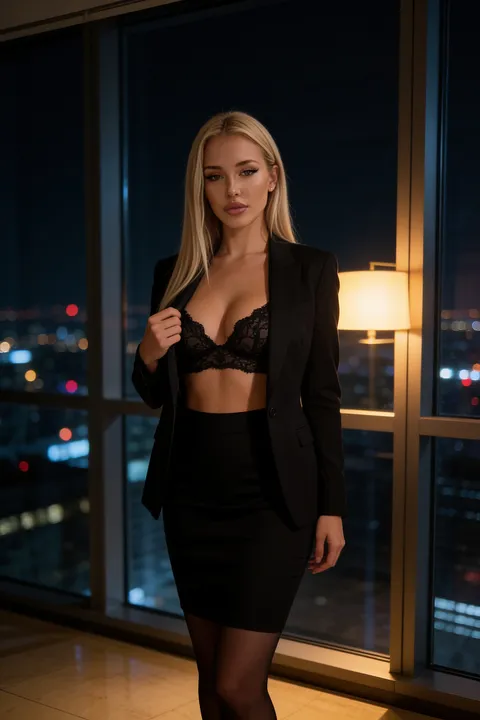 5 episodes
 Watch now
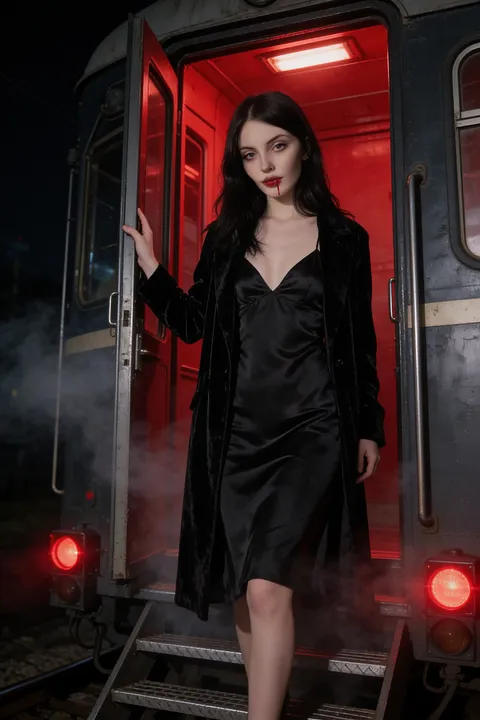 7 episodes
 Watch now
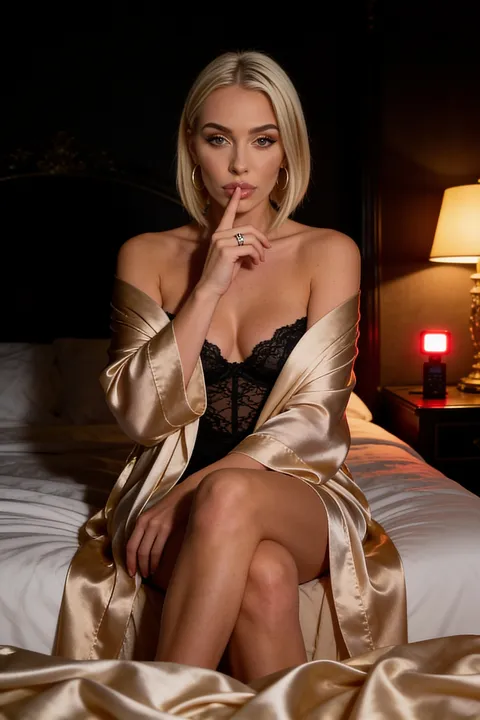 5 episodes
 Watch now
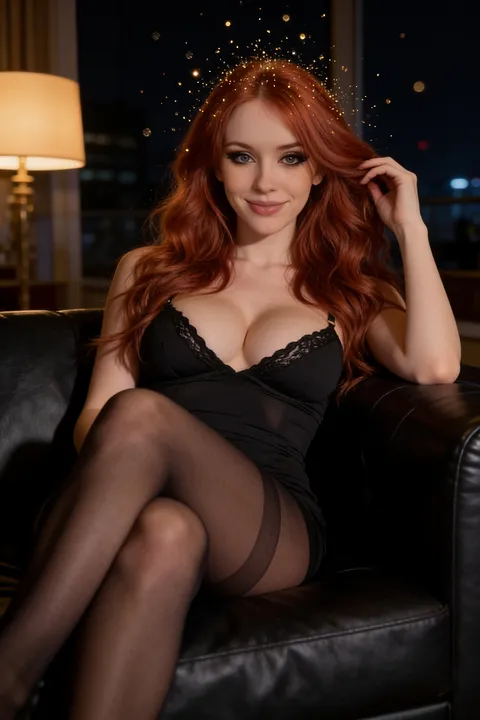 5 episodes
 Watch now
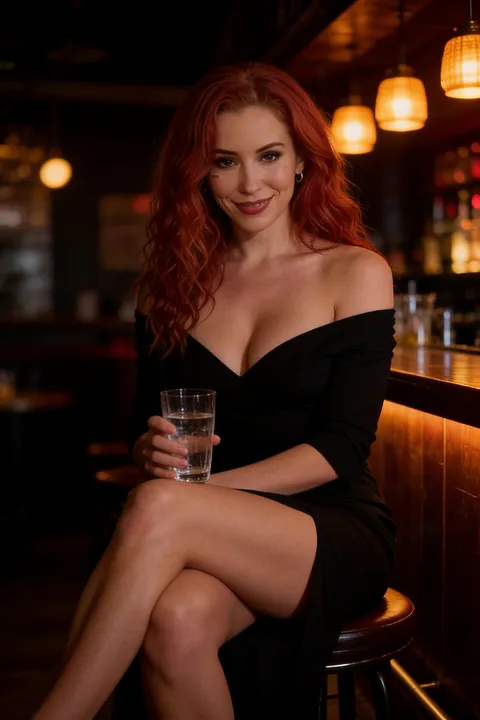 5 episodes
 Watch now
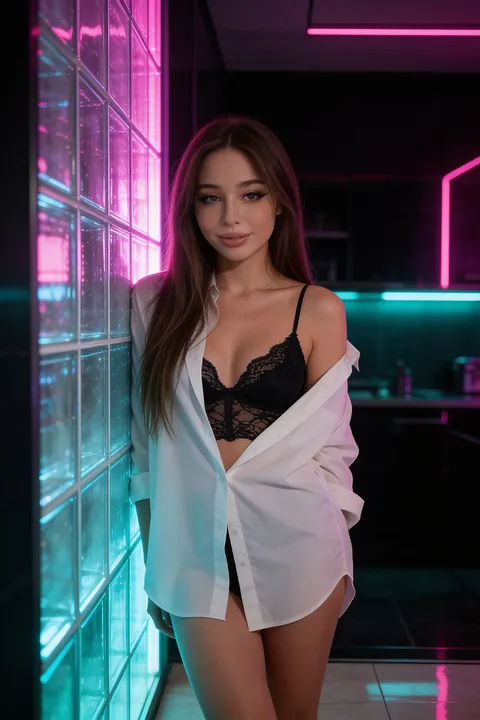 7 episodes
 Watch now
Want sound? Use Video Note instead. Tap the media button, choose Send Video Note and add what she should say or do. You get a round talking video with audio in under 90 seconds, also for 10 Stars.
The Image to Video mode in Generate
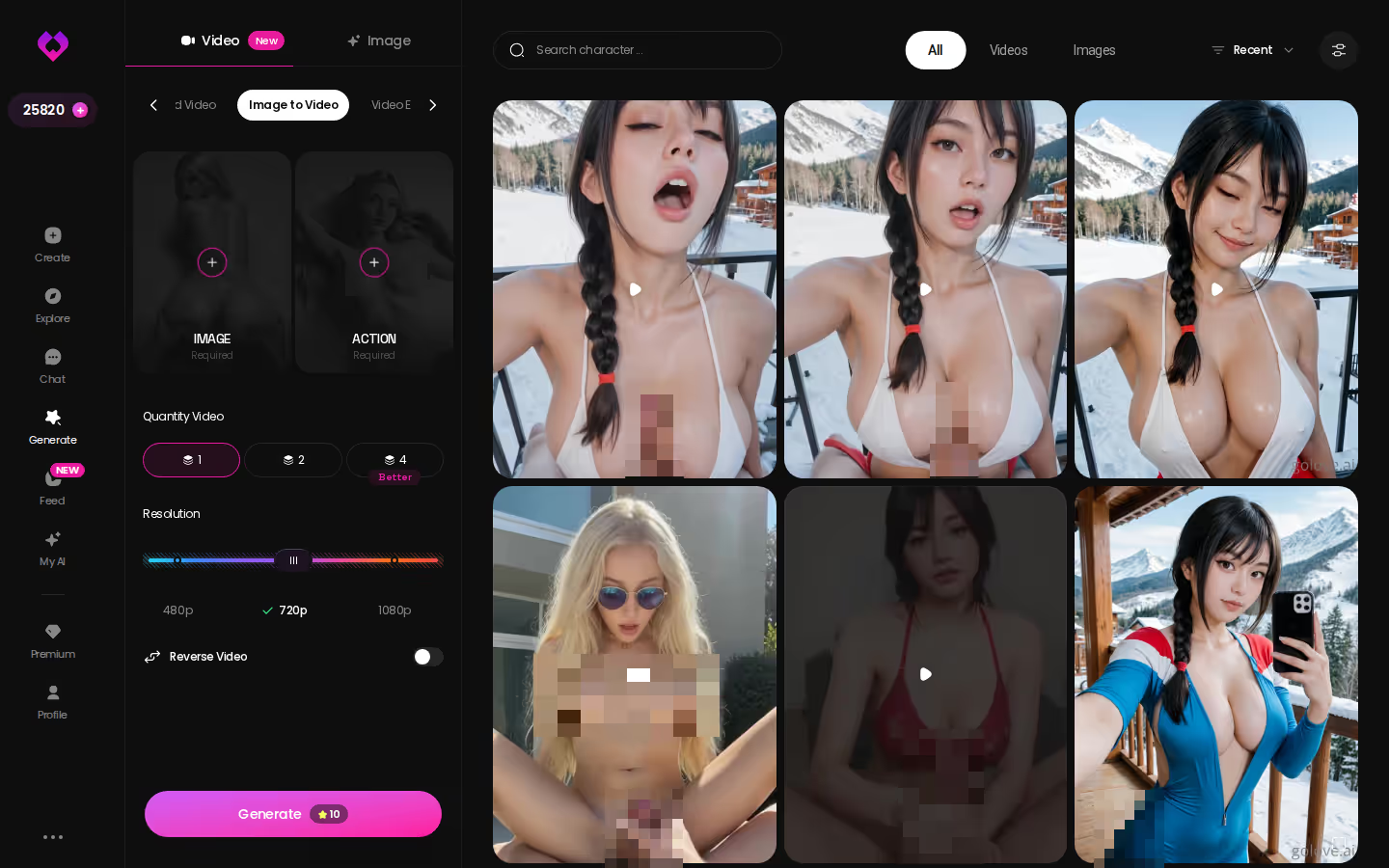
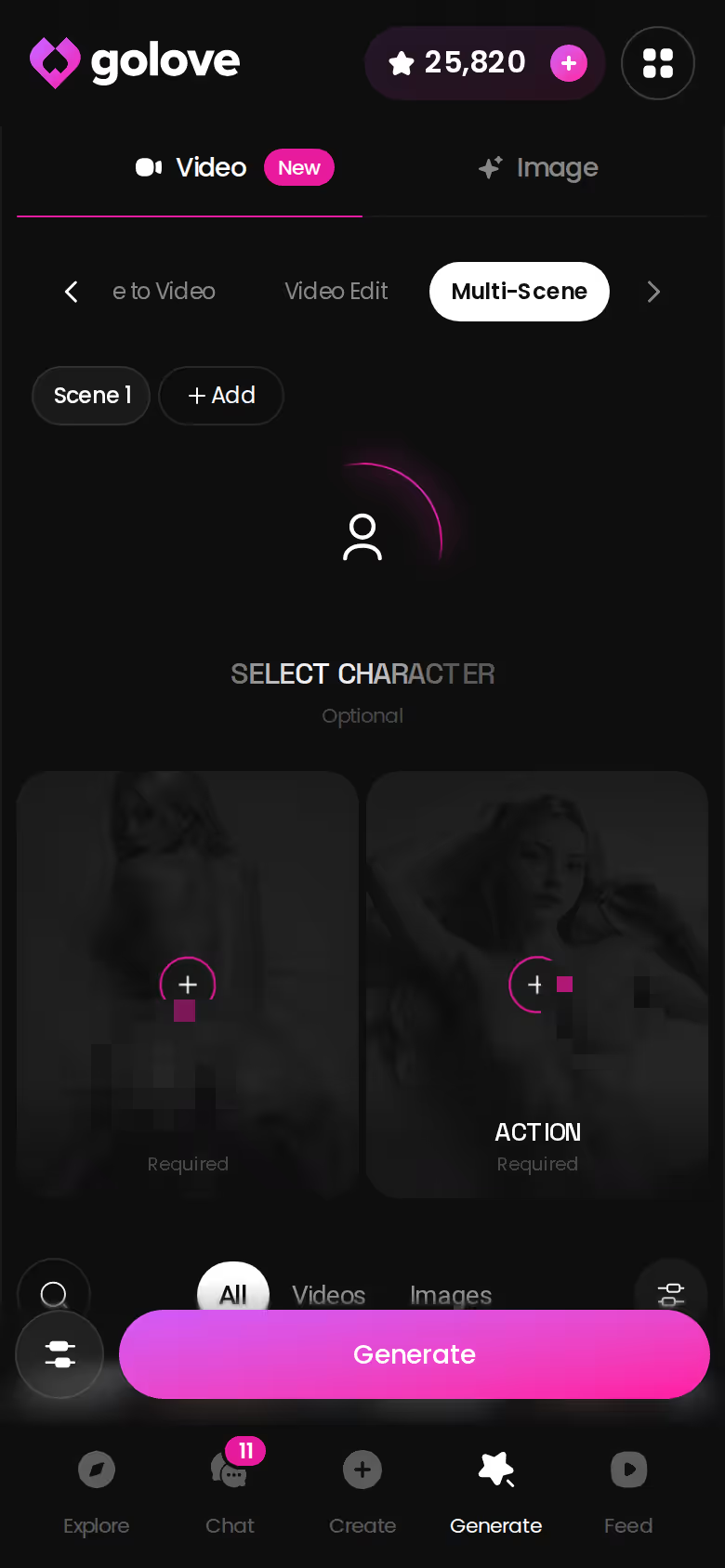
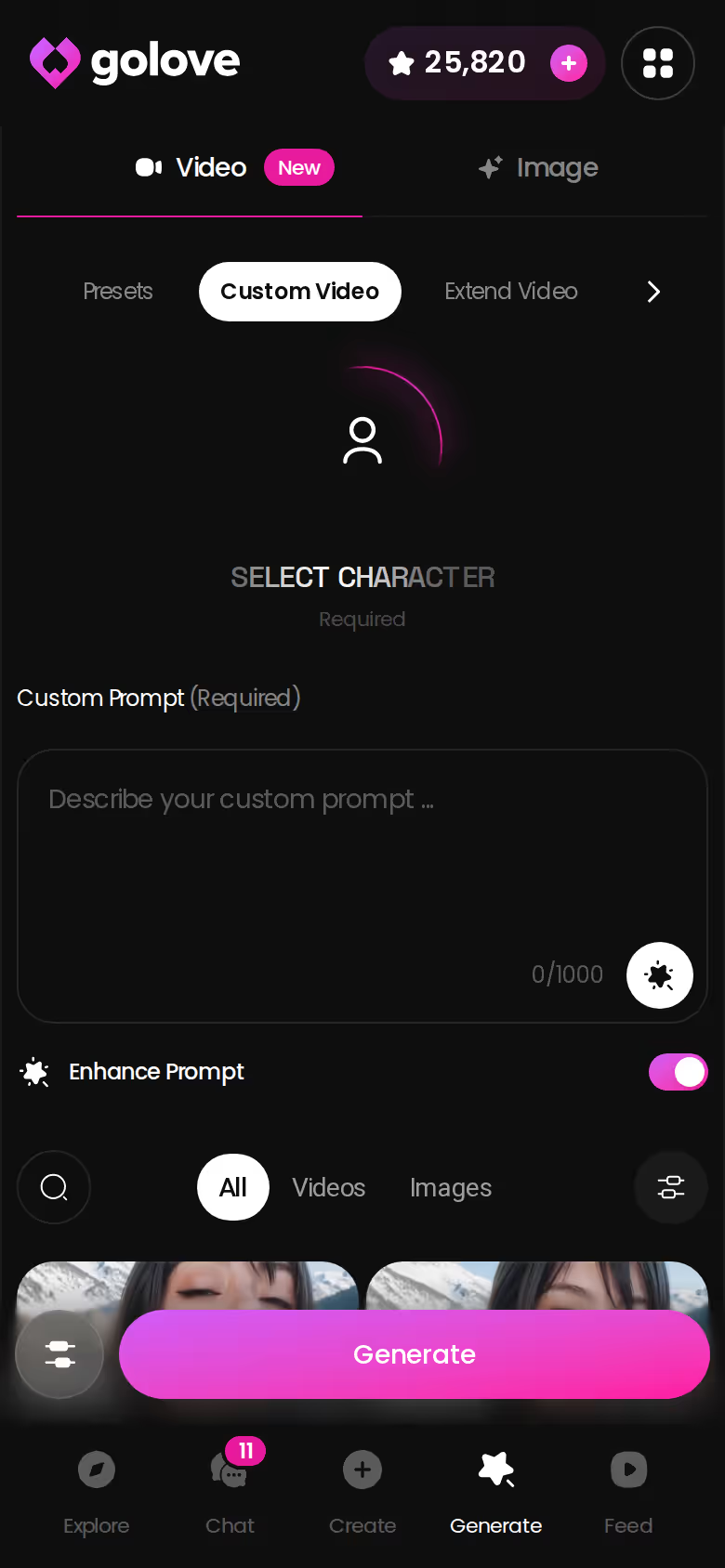
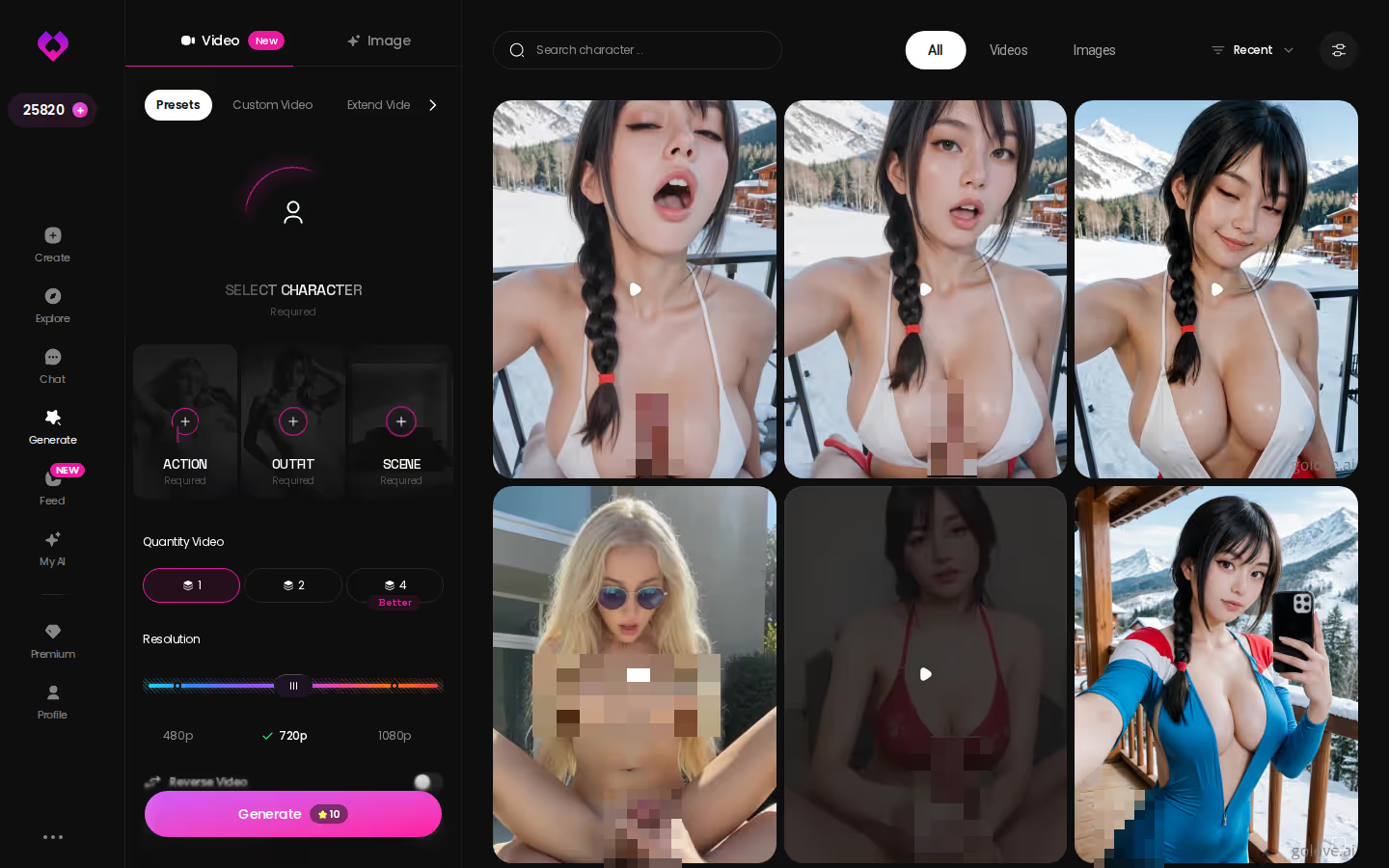
The Generate → Video tab works per character. Swap the avatar top-right, pick Image to Video, then choose 1, 2 or 4 videos per run at 480p, 720p or 1080p. Reverse video and add audio are both there as well.
Extend Video and Multi-Scene
Extend Video lengthens a clip you already have. Multi-Scene goes the other way and stitches one video together from several moments.
Takeaway: chat is the fastest route, and the generator is where you get resolution and length.
Nude AI Videos Without a Chat Photo
Skipping the chat photo isn't a deal-breaker. Instead, the generator builds nude AI videos from preset cards.
147 video modes across four styles
147 video modes: 76 realistic, 20 anime, 35 trans and 16 anime-trans.
Each clip is assembled from three cards:
- Action, such as 'Hard Doggy Style' or 'Twerk'
- Clothes, the outfit she starts in
- Background, the setting
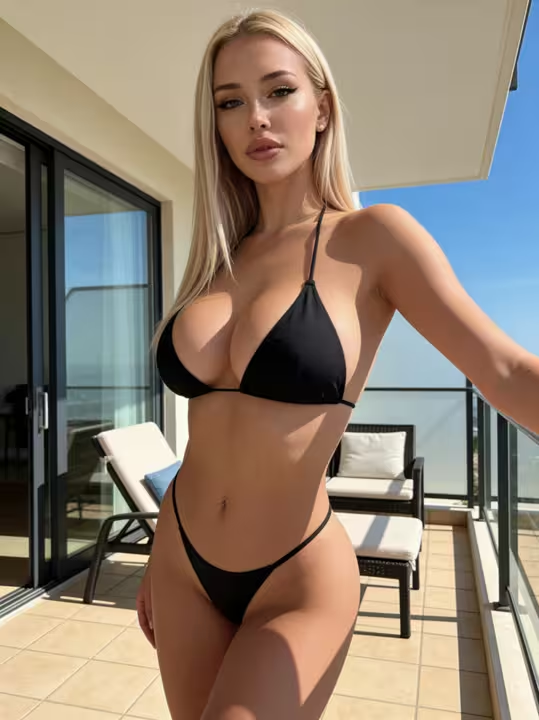
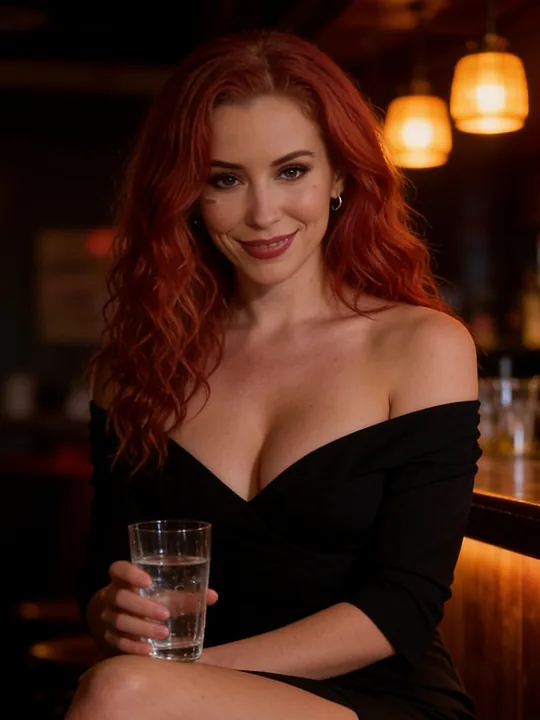
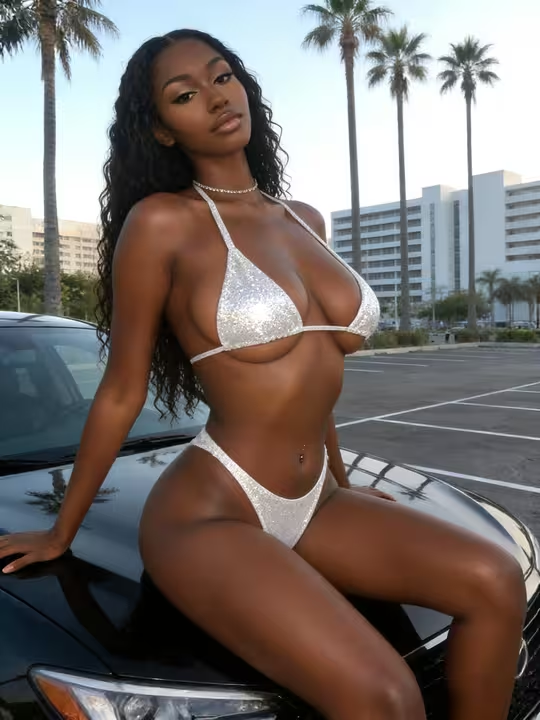
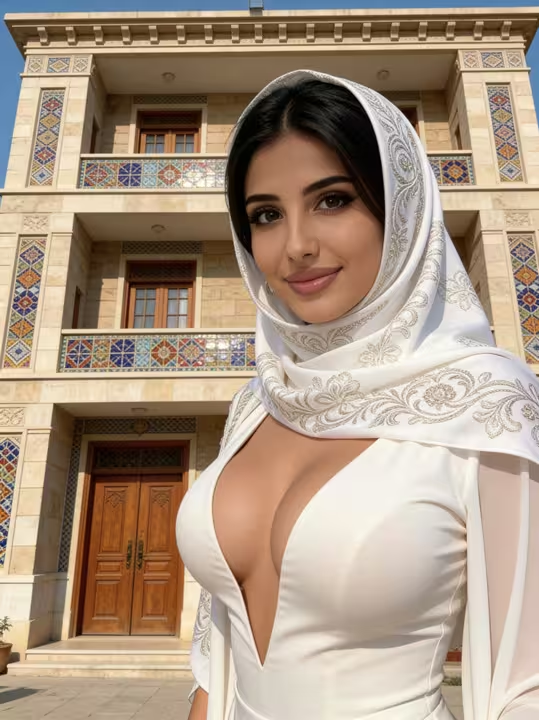
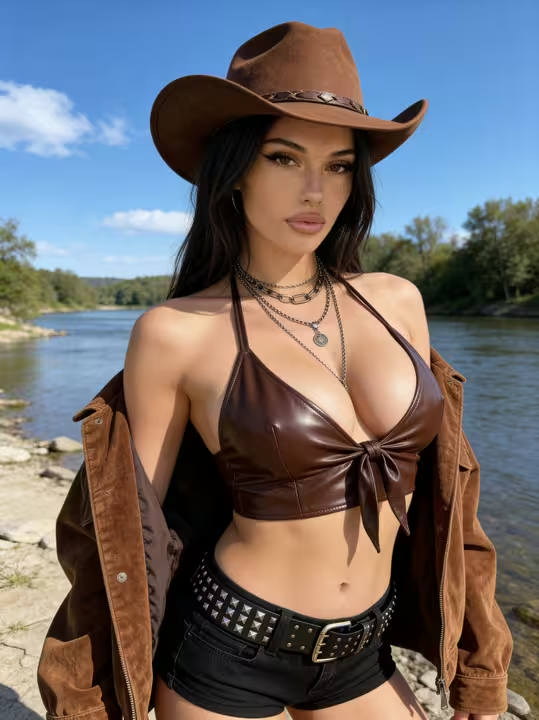
Characters you can open right now
Tap any of them and the chat starts there

After that it's one Generate tap. If no card matches what you have in mind, Custom Video takes a written prompt.
Feed clips you can remix
Feed is a TikTok-style vertical stream of GoLove clips. The magic-wand Remix opens the generator with that clip's character, action, outfit and scene already filled in. Change one card and you've got your own version without starting from scratch. Of all the shortcuts here, this is the one I'd lean on most.
Series stars as your starting point
Series are GoLove's 18+ vertical short dramas, with 10 series and 60 episodes as of 2026-11-05. "My Professor Locked the Door" stars Jessica. Under the player sit Start Chatting, Create Video and Create Image for the cast. That means the character you just watched can lead your next clip with one tap.
Takeaway: presets, a remixed clip or a Series star all give you a consistent face to animate, even before she's sent you a single photo.
Free Porn Video Generator? What GoLove.ai Gives Before You Pay
Straight answer: GoLove.ai isn't a free porn video generator. Any "best free AI porn site" list promising unlimited free video is overselling. The parts that are verifiably free:
What GoLove.ai gives you:
- Live voice calls and voice messages
- She remembers your chat history
- Photos on request in the chat
- Image generator with 35 realistic poses and 21 outfits
- 2 reward stars every day you log in
- 2 daily reward Stars
- a limited daily Feed
- Series episodes 1–2, even without an account
- an anonymous chat where the first photo is visible and the next one is blurred behind Sign Up
Everything else costs Stars or a plan:
| What | Cost (checked 2026-10, varies by region/promo) | What you get |
|---|---|---|
| Image | 1 Star | One image, in chat or the generator |
| Generator video | 5 Stars | One video |
| 720p video | 10 Stars | One higher-resolution video |
| Chat photo → video | 10 Stars | ~5 s clip of the same character |
| PRO | About $19.99/month or $119.88/year | 100 Stars/month, unlimited Feed, all NSFW content |
| ULTRA | About $59.99/month or $359.88/year | More monthly Stars, stronger models, 8,000-message memory |
| Star packs | About $9.99 (30) to $299.99 (3,000) | Top-ups |
SEE THE REAL DIFFERENCE
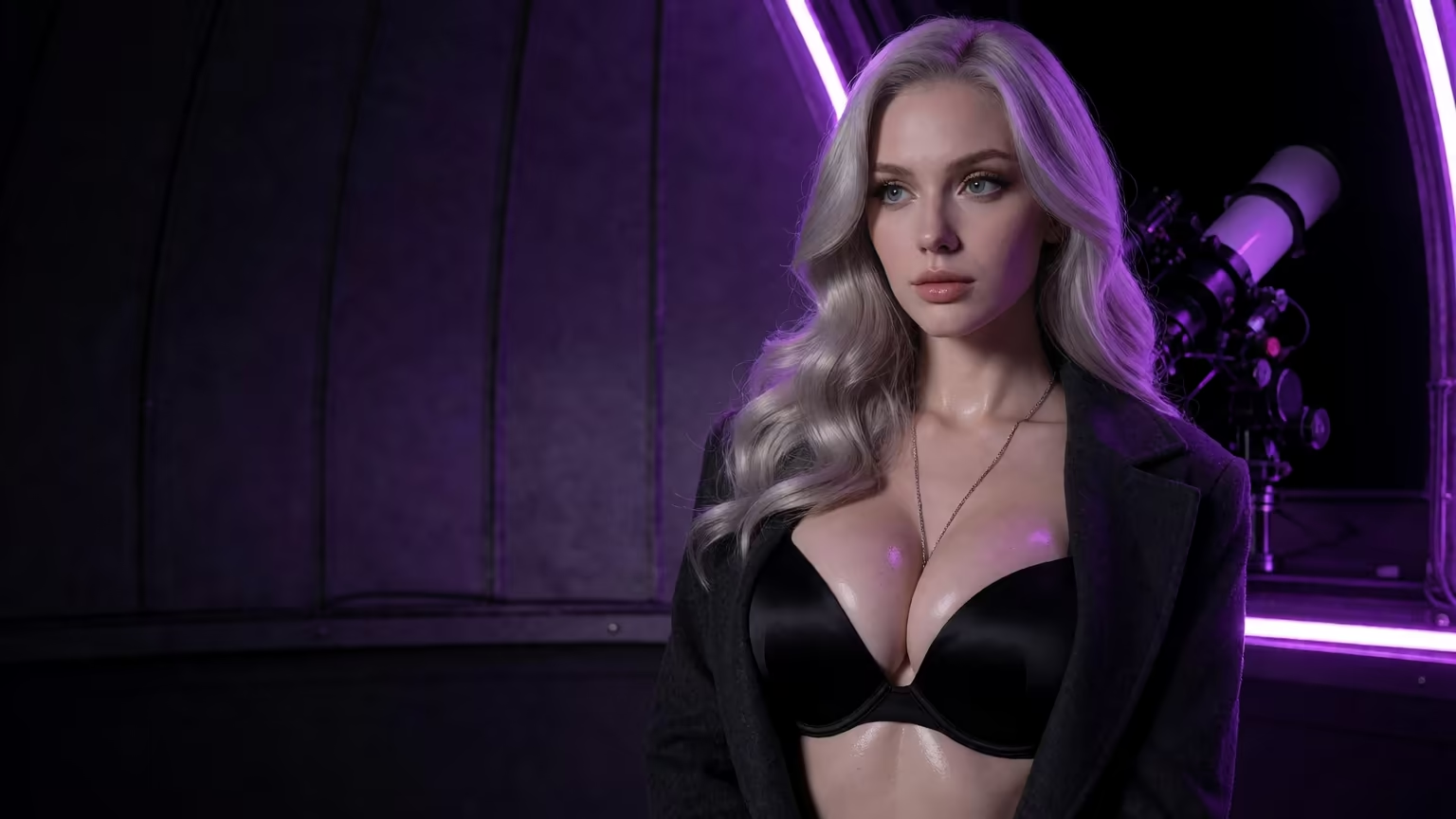
Filtered bots stop. She does not.
Do the math and PRO's 100 monthly Stars cover ten chat-to-video clips. New users also see a limited-time −70% first-subscription offer.
So start with the character, because every clip you make later reuses her face. GoLove labels the −70% first-subscription offer limited-time, and that's the reason to set her up now rather than later.
OurDream vs GoLove.ai: Where the Rival Holds Its Own
OurDream deserves a fair hearing, because on entry price it's a tie. Its entry plan lands in the same range as GoLove PRO, monthly or annual, with a pricier Deluxe tier above that (checked 2026-09) — pricing changes often, so check their site. OurDream also bundles chat, image and video generation in one subscription, with images, voice and video all drawing on a DreamCoins balance.
Where OurDream holds its own:
- Price: its entry plan matches GoLove PRO's monthly price.
- Bundling puts chat, image and video in one subscription, with the media side running on one coin balance.
Where it's weaker:
- Setup: the custom character builder has a steeper learning curve.
- Mobile: it's web-only, with no native app.
For image to video porn specifically, GoLove's edge is the handoff. The photo she sends in chat turns into a clip of the same character in one tap. Stack 147 video modes, Feed remix and a Series cast you can animate on top of that, and GoLove simply covers more ways to start a clip.
Takeaway: the entry prices are even, so the image-to-video workflow decides it, and GoLove is the winner there.
Which Image You Animate Matters: A Consent Checklist
The one hard line in image-to-video is the person in the photo. Run this checklist before you hit Generate:
- Source: animate AI characters or images you generated yourself.
- Real people: never try to animate an ex, a coworker or a celebrity without their consent. That's deepfake abuse, not a workflow.
- Picked characters: start from a character in Explore or a Series cast member. Her chat photos stay consistent with her avatar, so the clip does too.
- No source at all: Design with AI builds a named character from a text description of up to 2,000 characters, for about 3 Stars observed.
- Privacy: new characters are Private by default.
It's also why the in-chat route makes so much sense. The photo you animate came from a fictional character, so no real person's face is involved, and a clip of a character you designed from text is your own creation.
Takeaway: animate fictional characters you picked or created, and never a real person.
Who GoLove.ai Is NOT For
Instant skip if you want unlimited free video. Beyond the 2 daily Stars, every clip costs Stars, and there's no way around that.
It's also the wrong fit if:
- Real people are what you want to animate. The consent rules above exist for a reason.
- Male characters are what you're after. Explore lists Male as "Soon," so right now there are female and trans characters only.
- In-app currency bothers you. Stars pay for images and video, and Series episodes after episode 2 need PRO plus a few Stars each.
None of this is hidden. It all follows from how the product is priced and who it's built for. Still, if a per-clip cost or a Star balance sitting in the header annoys you, you'll stay lukewarm on the app however good the clips are.
Takeaway: if you want to animate AI characters and you're fine paying per clip, the workflow delivers.
and watch their story unfold.View Character
The Pick for Animating Your Own Clips, and Who Should Look Elsewhere
OurDream suits you if you want chat, image and video bundled under one coin balance at the same headline price, and being web-only doesn't bother you.
For image to video porn, GoLove.ai is the pick. The photo you animate is one its character just sent you, so the one-tap clip keeps her face. That handoff is genuinely good. It matters more than any spec line, and most generic image-to-video tools don't offer it. When you want more control, Generate → Video adds Image to Video, Extend Video, Multi-Scene and up to 1080p, with 1, 2 or 4 videos per run.
The free way in is Series. Episodes 1–2 of every show are free, and afterwards you can Start Chatting with the star and ask her for new photos and videos of the scenes you describe.
Start with "My Professor Locked the Door" and finish with Jessica animated in your own scene, without uploading a single photo.
Frequently Asked Questions
Related Articles
NSFW AI Video Creator: Which App Actually Delivers?
NSFW AI video creator: GoLove wins with photo-to-video, preset clips, and a remixable Feed tied to character memory — see it, no email.
AI NFSW Review: 18+ Series, Then Chat With the Star
AI NSFW in 2026 isn't just image generators — GoLove.ai wins on 18+ Series whose stars send you photos in chat. Compare Star costs, limits and OurDream.
AI Generated Anal: What Actually Works in 2026
AI generated anal, judged honestly — GoLove.ai wins because the same character carries from chat photos to video. See why, then start in Explore.
AI NSFW Videos: Which App Actually Delivers in 2026
AI NSFW videos mostly look stiff — GoLove.ai wins on preset-card video generation plus a remixable Feed. Start with any character, no email needed.